Case study · Foundations Early Learning Center
Foundations Early Learning Center
A bright, playful website design for Foundations Early Learning Center, a growing family of childcare schools, with a find-a-school locator, programs by age and a STEAM curriculum story.
01 — Context
More than childcare
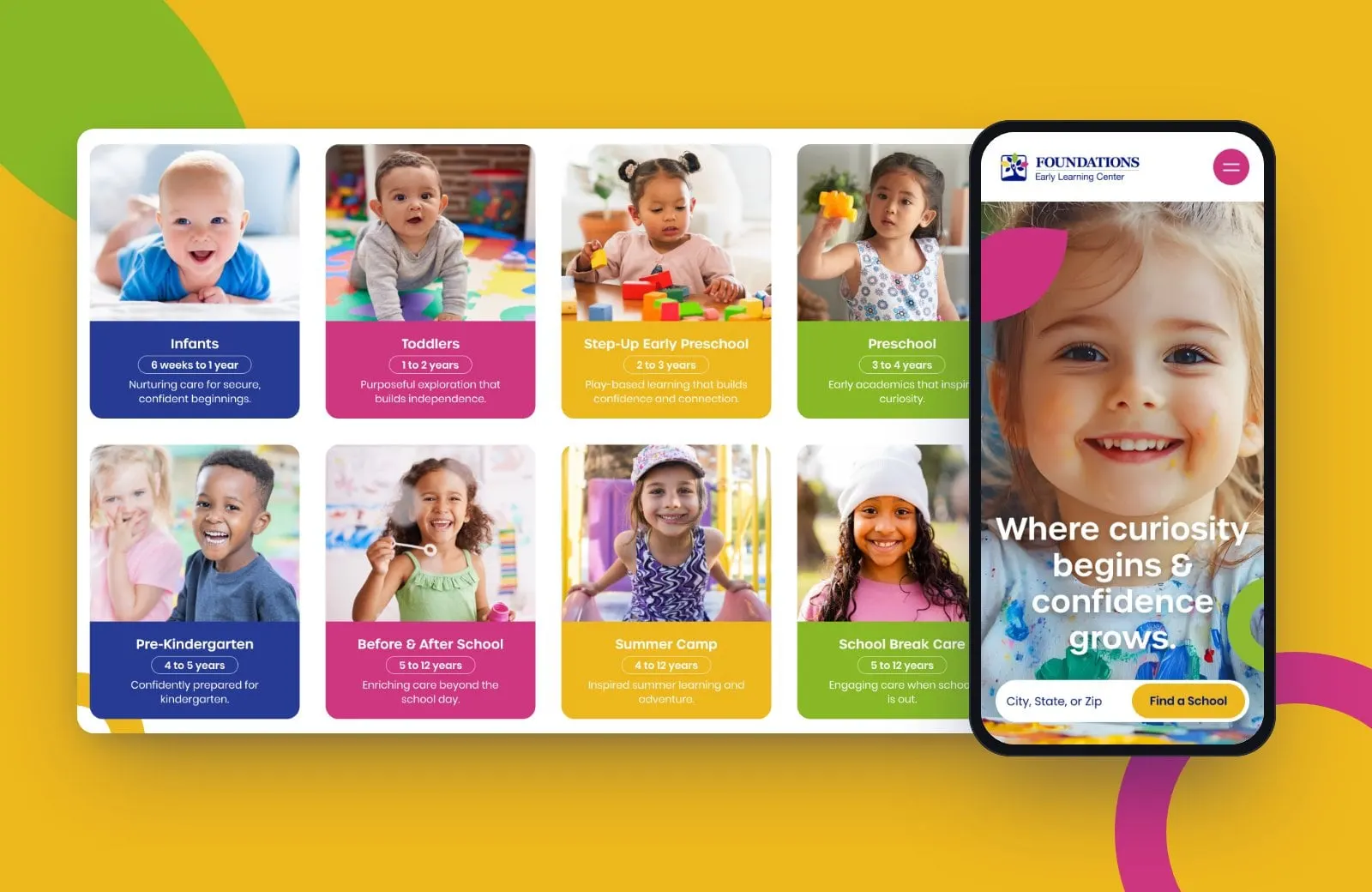
Foundations Early Learning Center runs licensed childcare and early education schools in South Carolina for children from six weeks to 12 years old: infants, toddlers, preschool, pre-K, before and after school care and summer camp. Every school follows a STEAM-infused, research-based curriculum, and new locations keep opening.
For parents, choosing childcare is one of the biggest decisions they'll make, usually on a phone, often in a hurry. They want to know three things fast: is there a school near me, is it right for my child's age, and can I trust it?
Foundations needed a website that answers all three, scales as new schools open, and feels as joyful as a good classroom.
02 — Design
Colour, curves and a little mischief
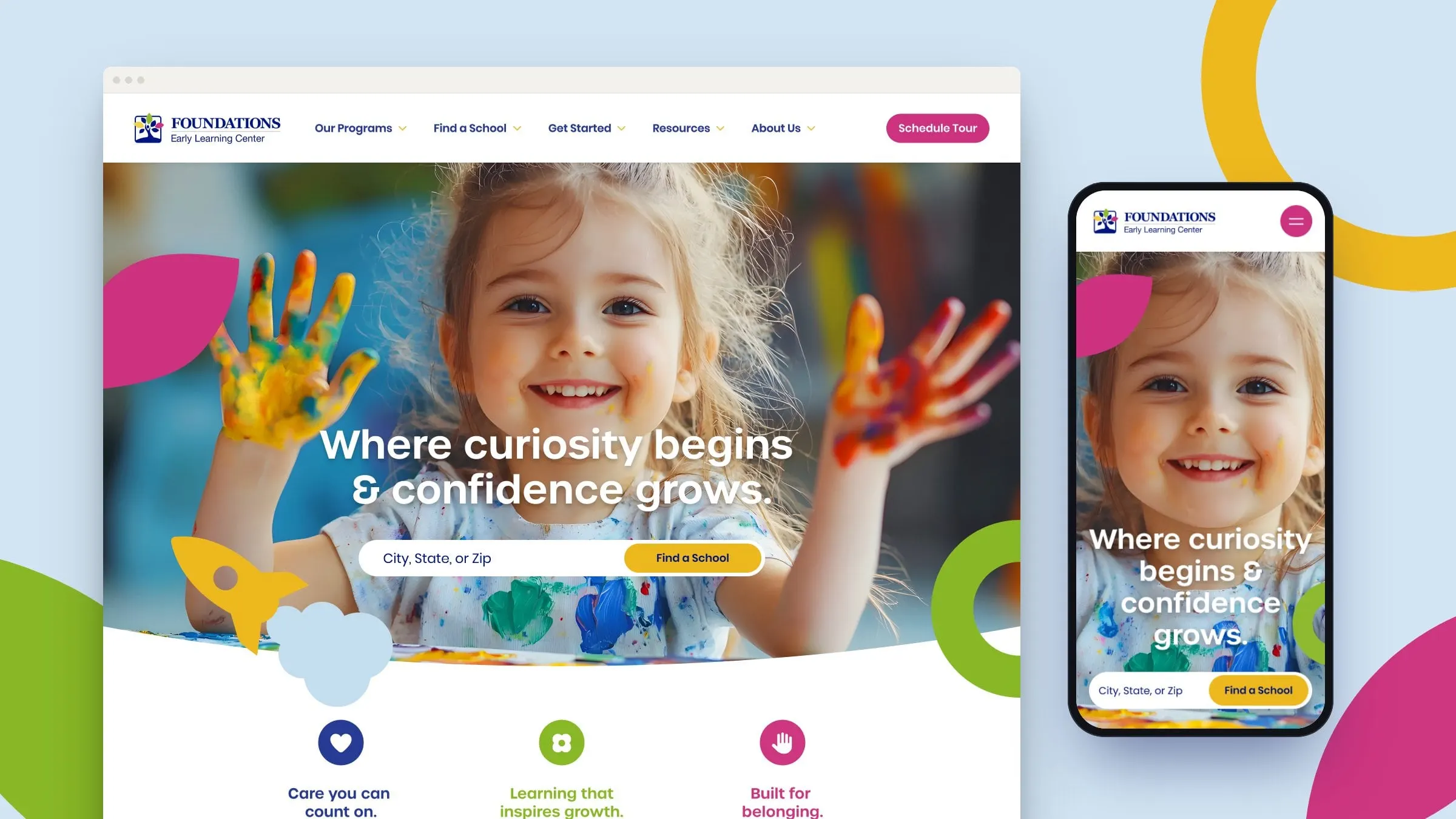
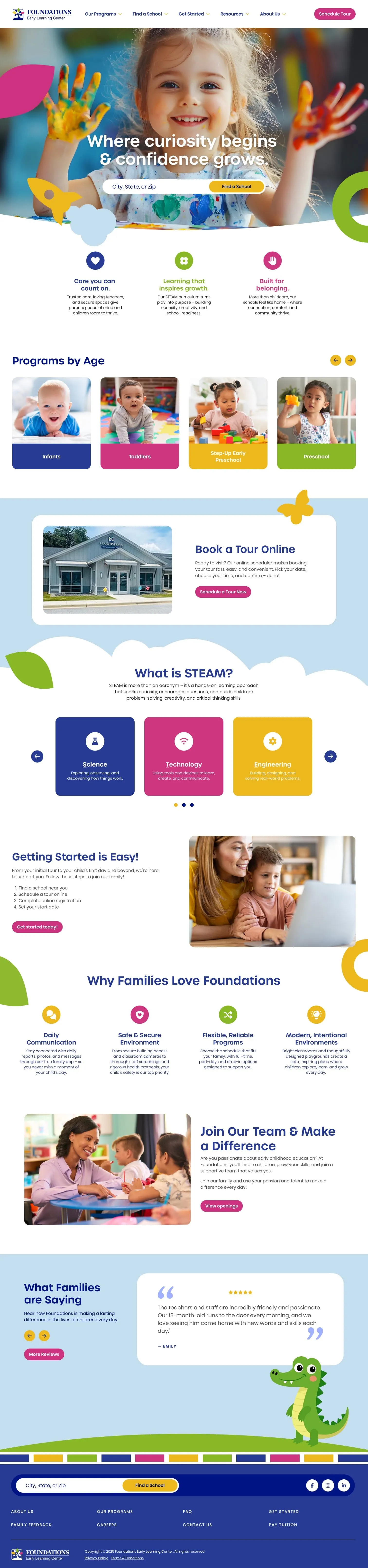
We built the look from the classroom up. A confident navy anchors the palette, with magenta, sunshine yellow and leaf green for energy. Soft clouds, leaves, rings and a paper rocket float in and out of sections, and colourful bars along the footer read like a row of building blocks. Headlines are set in a rounded, friendly sans that's easy to read at a glance.
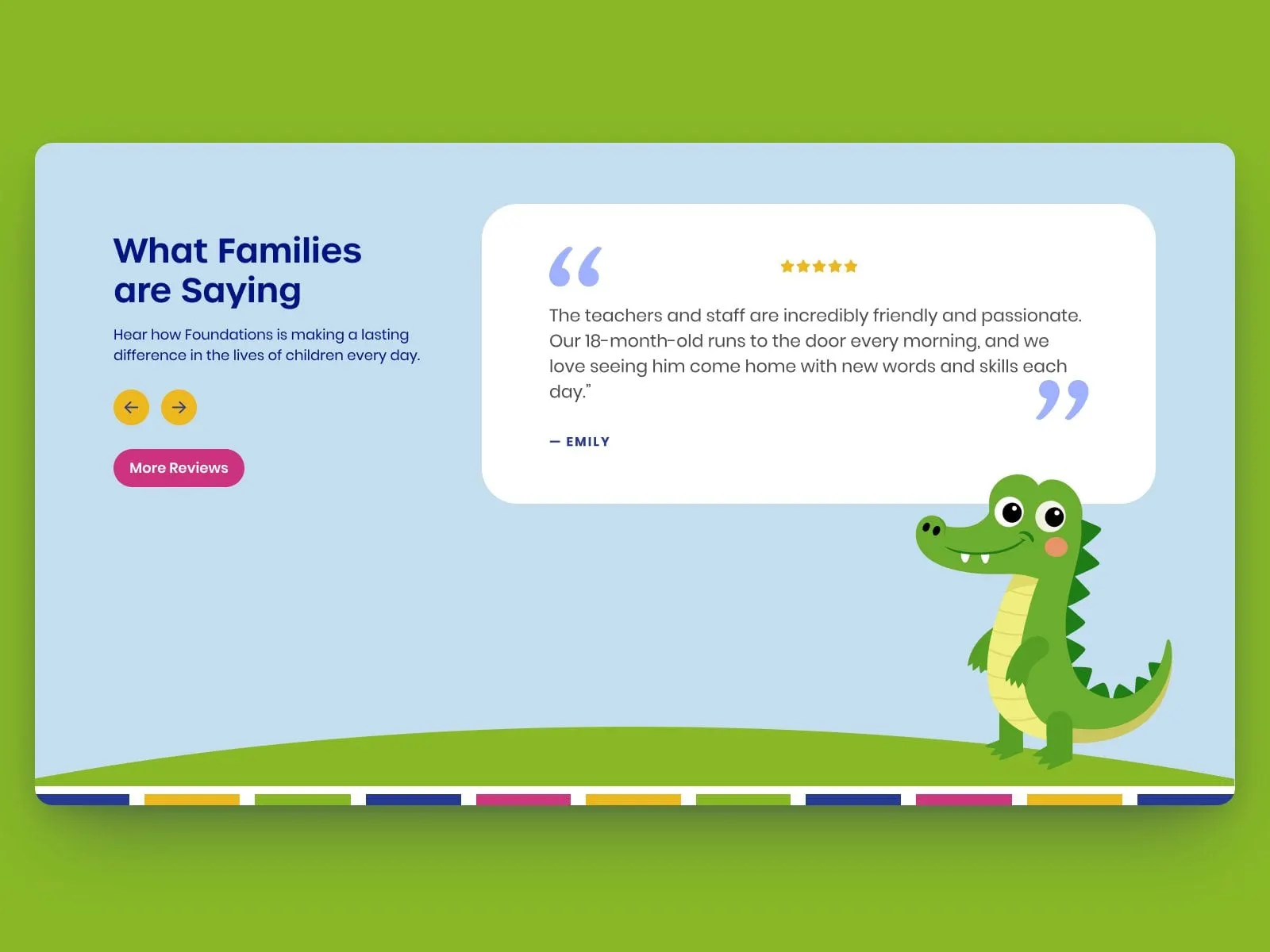
Photography does the emotional work: real kids, mid-giggle, paint on their hands. And at the bottom of the homepage, a friendly alligator mascot pops up beside parent testimonials, a small surprise that makes the brand easy to remember.
It's playful on purpose, but never at the expense of clarity. The story still moves parents toward one action: book a tour.
Find a school
The locator comes first
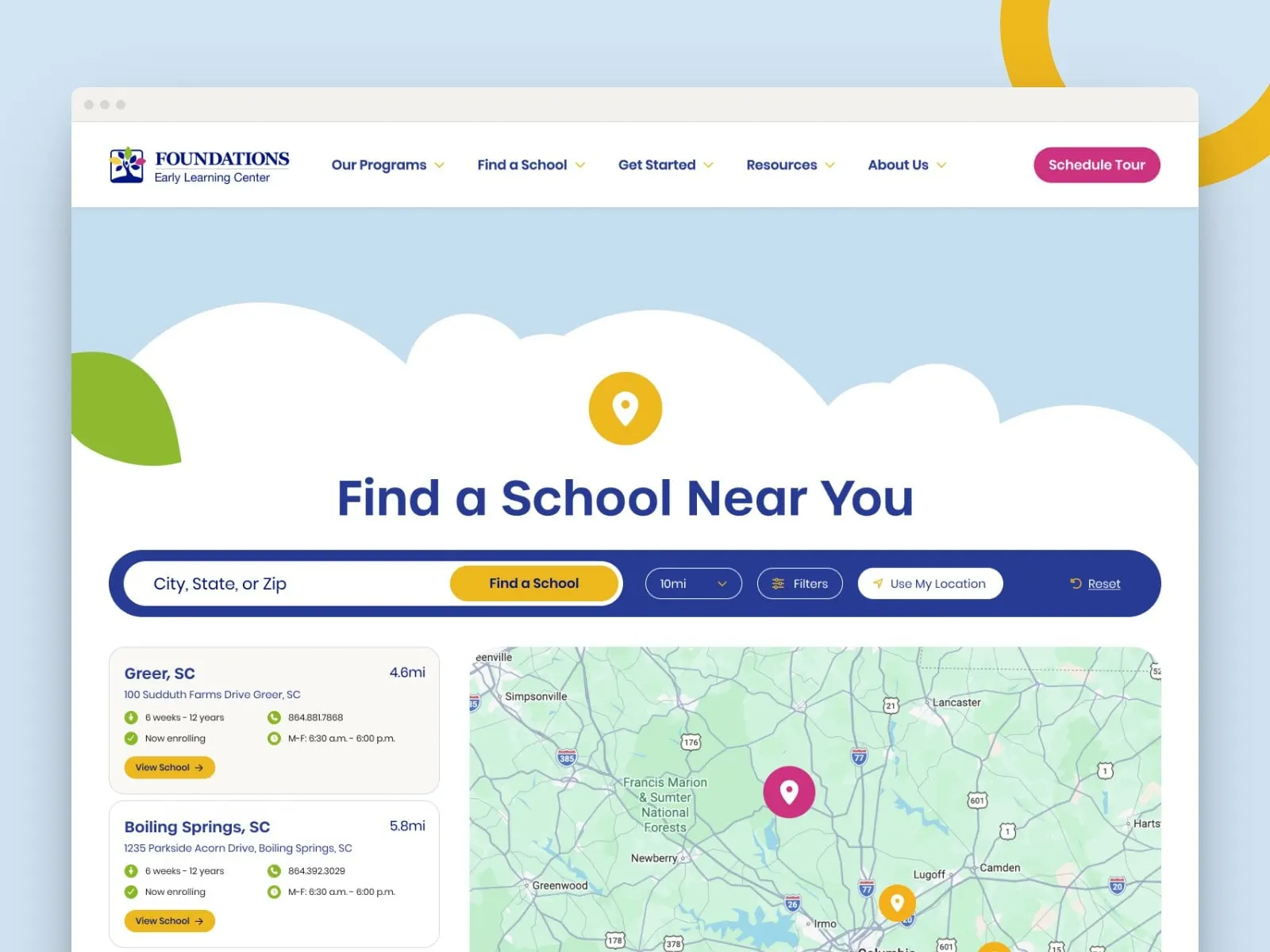
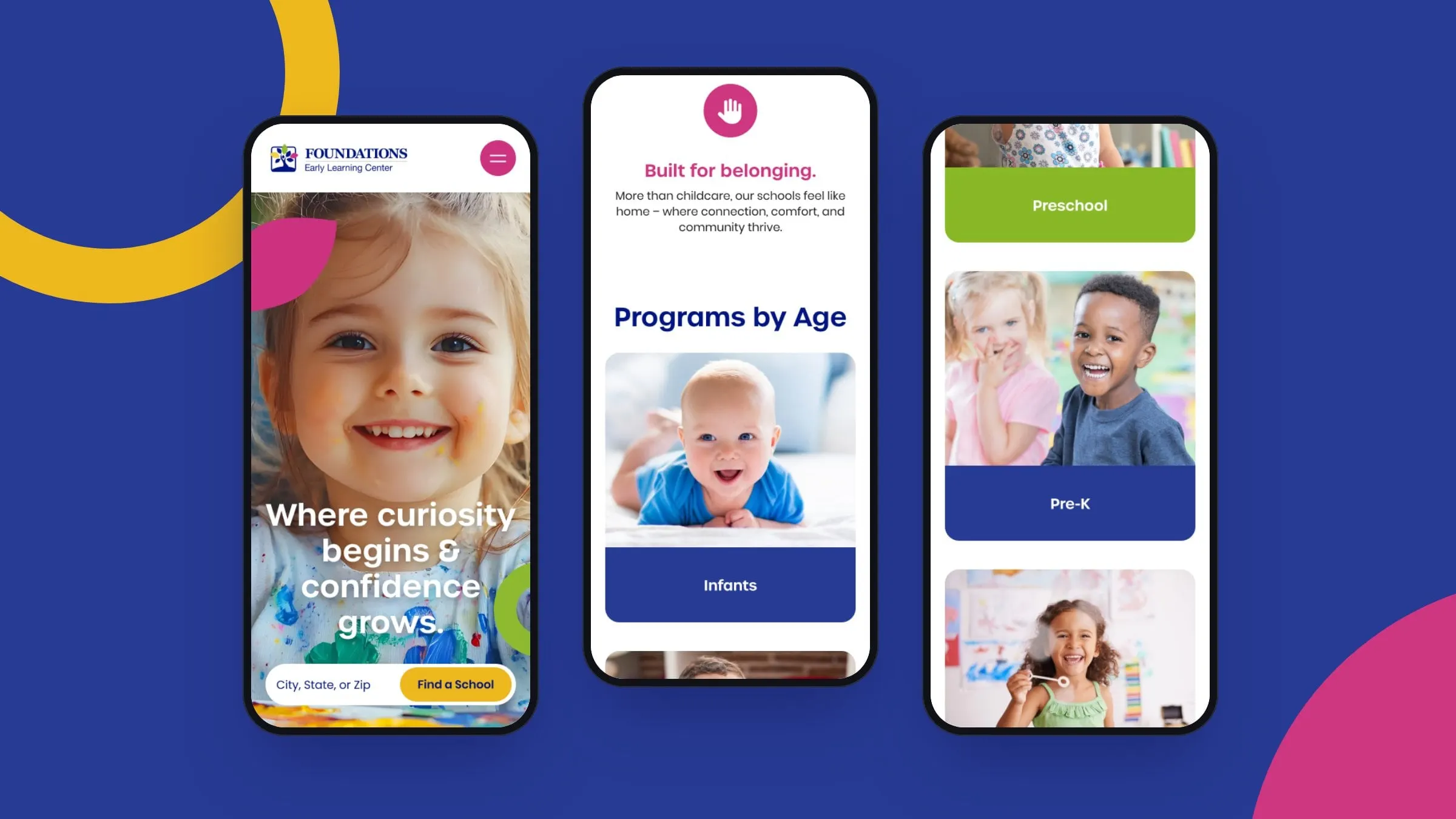
Search sits right in the homepage hero, and again in the footer. Enter a city, state or zip and the locator lists the nearest schools with distance, age range, enrolment status and hours, side by side with an interactive map. A radius setting and filters narrow the results, and Use My Location does it in one tap.
Each school also gets its own landing page, so local families find the right campus, the kind of structure that matters for multi-location SEO.
03 — Curriculum and programs
Making STEAM make sense
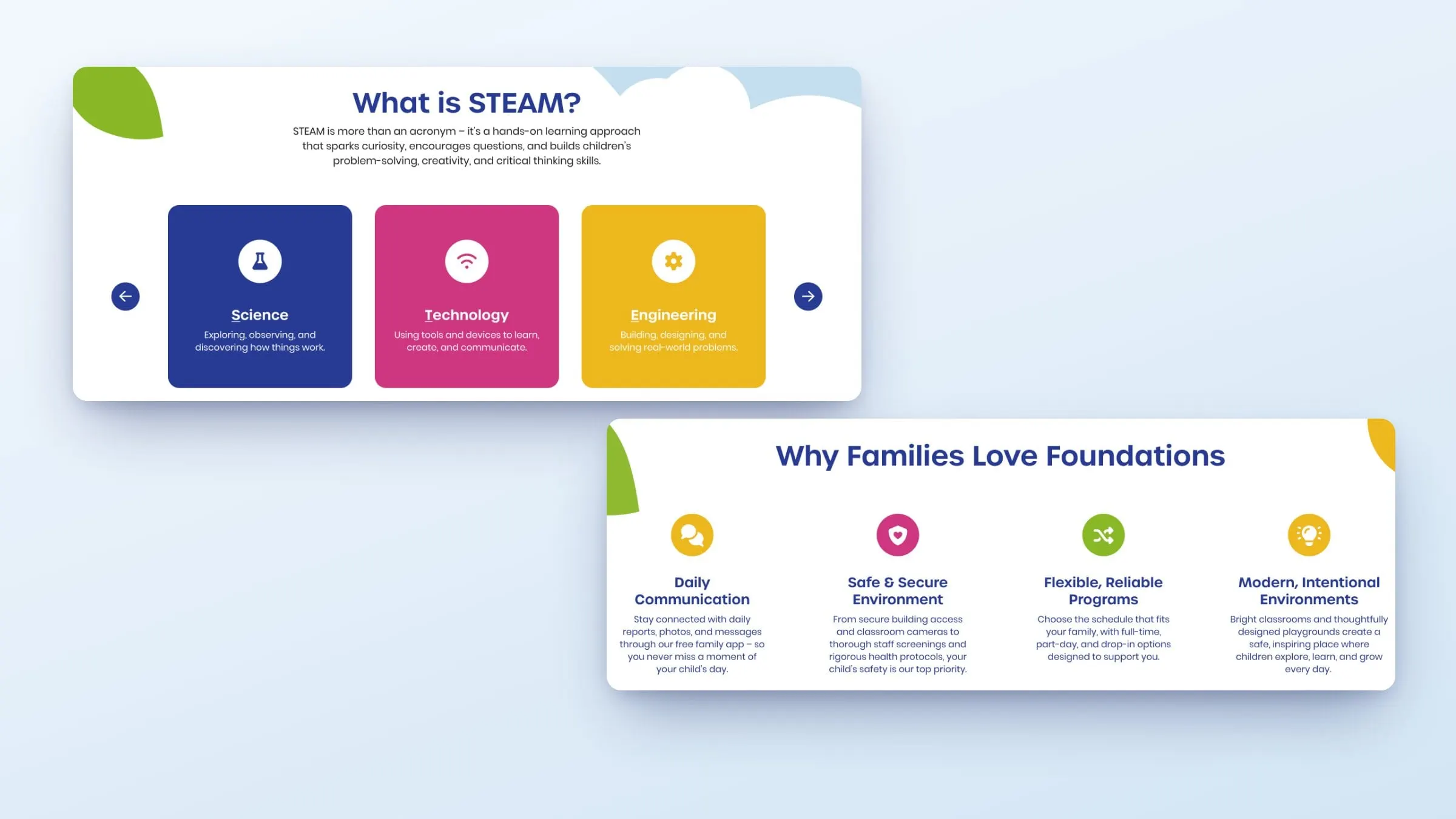
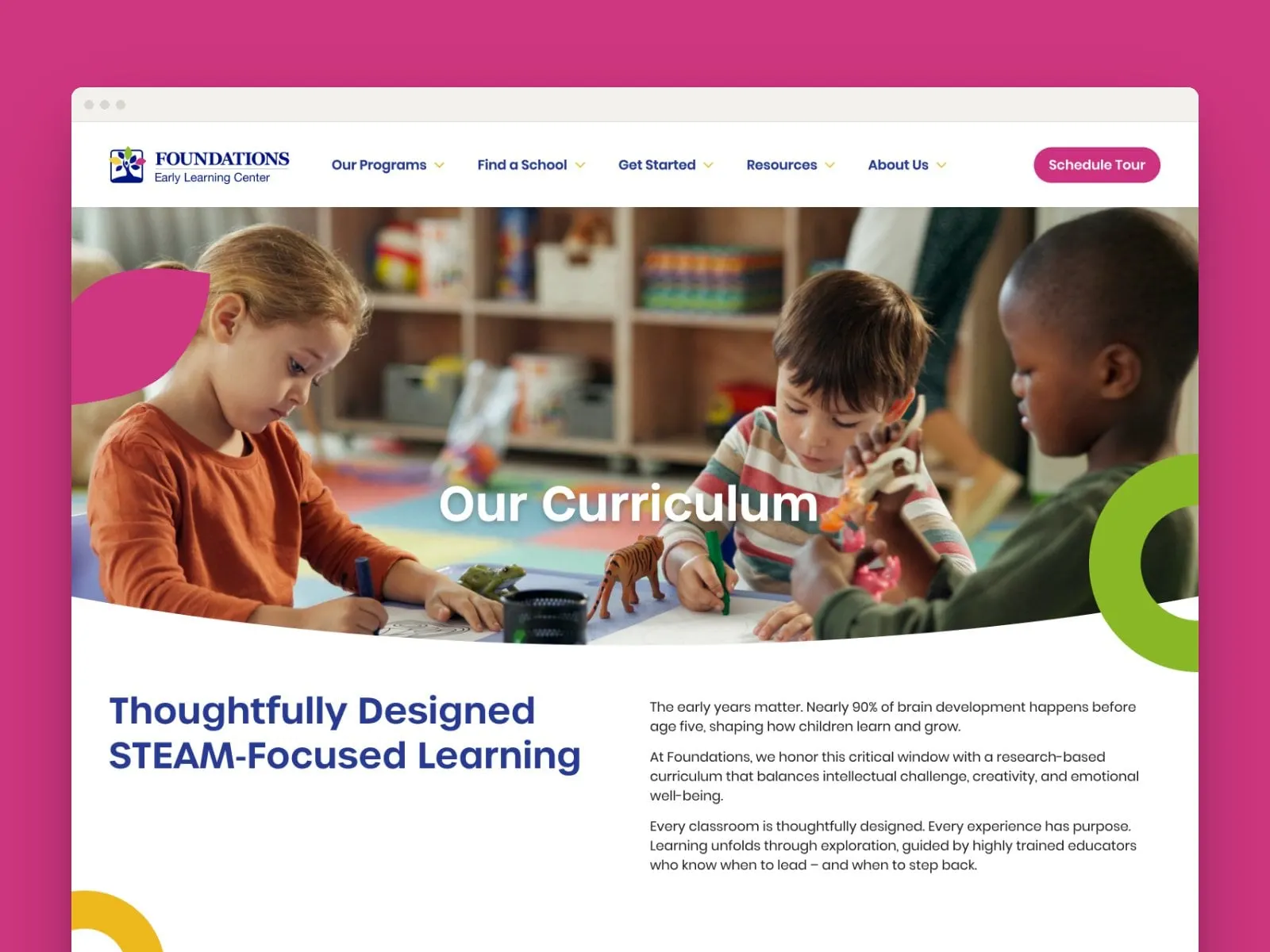
STEAM can sound like jargon to a tired parent, so the site explains it simply. The homepage introduces Science, Technology, Engineering, Arts and Math as a swipeable set of colourful cards. The Our Curriculum page goes deeper: a balanced, whole-child approach, a research-based foundation built on The Creative Curriculum, meaningful STEAM learning, and early exposure to Spanish and sign language.
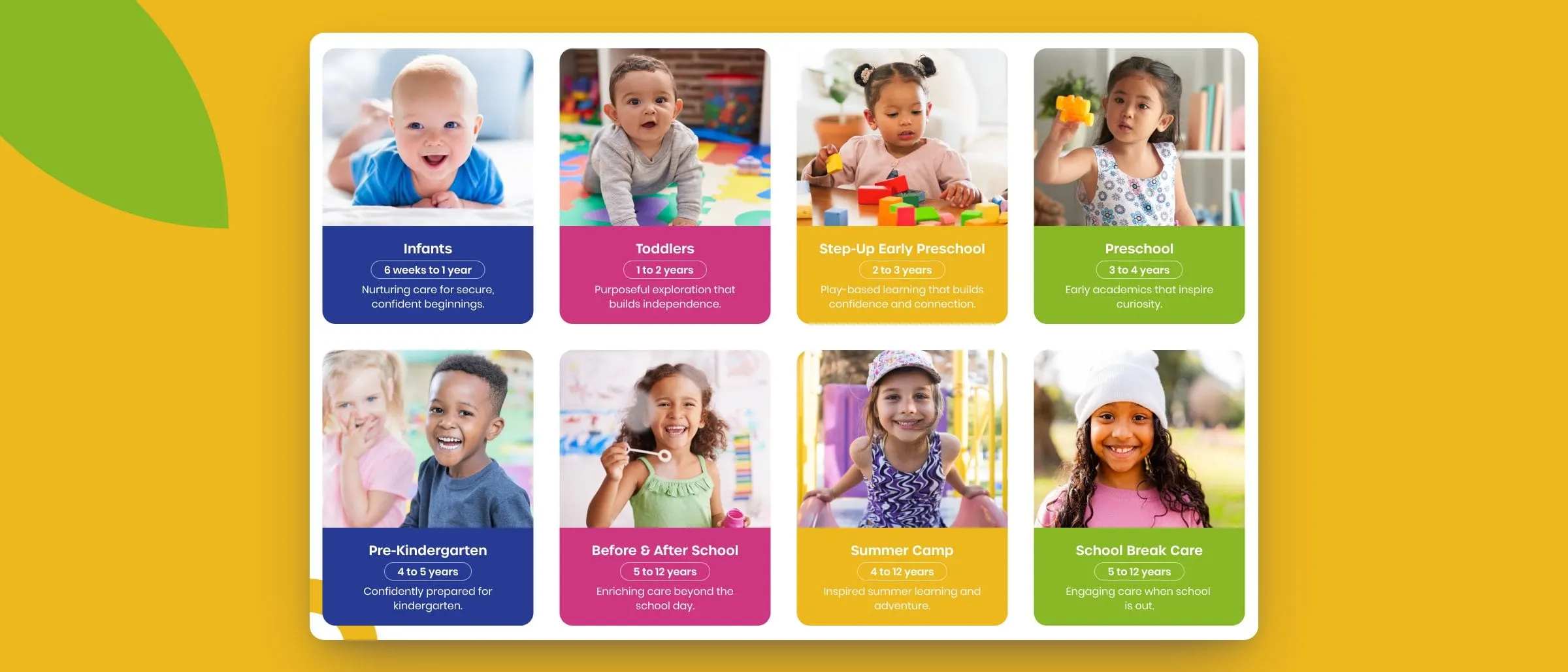
Program pages follow the same rhythm for every age, from infants to school-age kids, so parents always know where to look for age ranges, goals and milestones. For more education work, see Further Learning Group.
Mobile and personality
Small screen, big personality
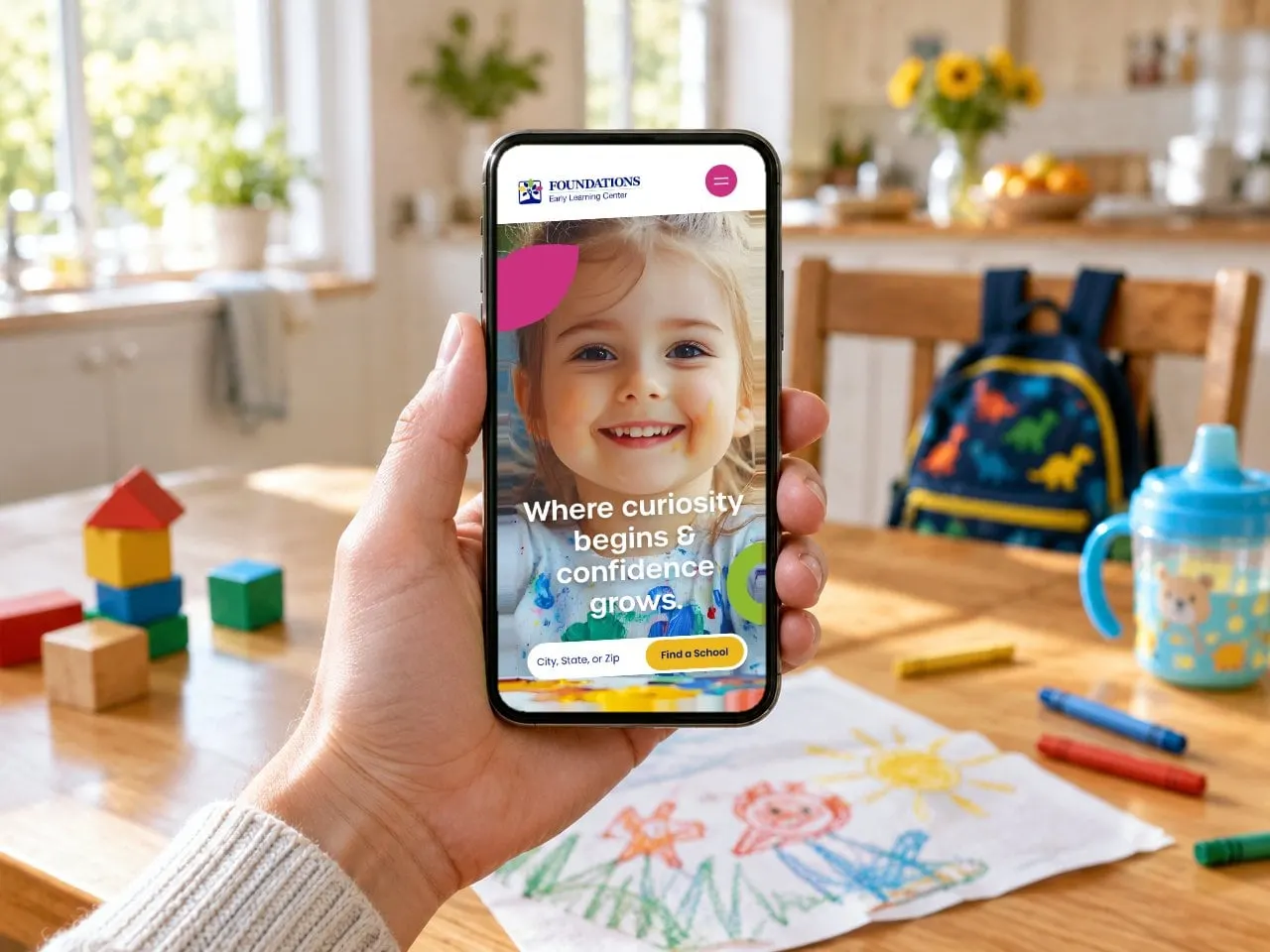
Most parents will meet Foundations on a phone, so every section was designed for mobile too, with the school search kept high and the program cards stacked as big, tappable tiles. It's a good example of why mobile-first design isn't optional.
What we delivered
<p>Building a site for a school, centre or education brand? See more of our <a href="/industries/education-learning">education work</a>.</p>